

Take the Stress Out of Content Creation: Strategies to Repurpose and Simplify Your Process This Week
🚧 It’s makeover time for this page. 🎨🛠️ Stay tuned for updates! 👷🏻♀️🚧
Are you a small business owner feeling overwhelmed by the content-creation process? Content creation can be stressful, but it doesn't have to be. In this blog post, I will share simple strategies to repurpose and streamline your content creation process. Now, instead of stressing out about what kind of content to create this week, you'll feel empowered as you take control of your content strategy and ensure that every piece works together seamlessly!
⚠️ Oh, and one more thing. You don't own any of these spaces, so use them at your own risk. ⚠️
The importance of content repurposing
When it comes to content, repurposing is key. By repurposing content you've created, you can reach a larger audience and keep your brand top of mind. Not only that, but it's also important to consider how your audience on different social media platforms interacts and engages with content.
Repurposing content across platforms can help you deliver a unique experience for each. You can also save time and ensure that your content remains evergreen.
Here are some creative ways to repurpose your content
Blogging
Create blog posts from existing articles or social media posts and share them across your various channels to increase their reach. If writing isn't your cup of tea and you prefer to speak instead, there are two options available for you.
- Grab the audio from one of your videos and get a transcript. Once you have the transcript, use that exact wording to create a blog post.
- If you're uncomfortable speaking on camera, consider recording yourself discussing a topic and then transcribing it into an article. This is an effective way to create engaging content without being on camera.
You can select a few quotes from your blog post and easily turn them into stunning visuals in Canva. Use them in your email newsletters or social media feeds to break up the content and make it more visually appealing.
Follow your intuition and do whatever you are able to reproduce consistently.
Infographics
Break down researched data into an easy-to-understand infographic and post it to social media. You can use this material in your emails to drive readers back to a video, a relevant blog post, or a landing page about your products and services. Make those graphics work!
For those of us with a visual mindset, an image can be much more effective at conveying information quickly and concisely.
Videos
Take existing content, such as a blog post or article, and turn it into an engaging video. There are plenty of tools to choose from. Vertical video is perfect for short-form content, concise, engaging, and works well on Pinterest video pins, TikTok, YouTube Shorts, and Instagram/Facebook Reels.
Help your audience get to know you and gain insight into who you are by creating a video. You can also use video to add personality, which builds trust and loyalty.
Keep in mind that each platform has different requirements for video length, aspect ratio, and other factors. Be sure to review the specifics of each platform before you start creating your video content.
I've turned some square videos into GIFs that go where? Email newsletters. Are you seeing a pattern here?
Podcasts
Create podcast episodes from YouTube videos, interviews, blog posts, or articles to increase your reach. You can also post snippets on social media (e.g., YouTube Shorts, Pinterest Video Pins, TikTok, and Instagram/Facebook Reels) to build anticipation and drive people back to the full episode.
Podcasts are a great way to reach new audiences and establish yourself as an authority on a certain topic.
Slideshows/Carousels
Transform existing content into an engaging slideshow and post it on social media. Slideshows are a great way to repurpose content, as they allow us to quickly navigate information in a visually appealing, easy-to-digest format.
If you have evergreen content you want to repurpose, consider creating a quick slideshow or carousel post. Just remember to keep it interesting and relevant!
And guess what? Slideshows are an invaluable starting point for any webinar, course, or workshop. Their ability to engage viewers and ignite the learning process is exceptional!

Reinvent Old Content to Serve Your Audience Fresh Ideas
Reimagine your existing content and find creative ways to repurpose it. Consider leftover food: the meal is already cooked; you just need to dress it up differently. By reinventing existing content, you can deliver fresh ideas to your audience.
Ultimately, content repurposing saves you time and money while enabling you to reach a wider audience with minimal effort. Take some time this week to consider how you can repurpose your existing content.

Simplifying the content creation process
Edit Your Video With Descript
Video editing can be a pain in the ass. However, Descript helps you edit your videos and podcasts like a doc. Get rid of those filler words, dead air, and even replace words. You can also add captions and create clips ready to go. Similar to Adobe Podcast, Descript also uses AI to enhance audio.
Connect your Zoom account to directly import your cloud recordings to create Descript projects. From there, you can export to YouTube and the most popular podcast hosting platforms.
- YouTube
- Blubrry
- Google Drive
- Buzzsprout*
- Captivate*
- Castos*
- eWebinar
- Headliner
- Hello Audio
- HubSpot
- Podbean
- Podcast.co
- Restream
- Transistor*
- VideoAsk
- Wistia
* Destination only accepts audio.


Unfortunately, there's no way to publish directly to social media platforms. Based on their roadmap, it doesn't appear to be in the works.
Creating videos with Lumen5 is as easy as drag-and-drop
Lumen5 is a content creation tool that helps you turn blog posts into videos. It's an easy-to-use platform that lets you add your own images, video clips, and music to create engaging videos in minutes.
Lumen5 is a great way to repurpose existing content into something new and exciting. You can use it to create explainer videos for social media or YouTube ads. You can also use it to break down complex topics into simpler visuals so your audience can better understand them.
Just drop the URL and watch Lumen5 go. You can have the AI do the work for you, or you can select which images, videos, and text boxes you want to use. Once your masterpiece is complete, you can export it in any format necessary for platforms such as YouTube or social media channels. Now with the click of a button, you can have a video at your disposal!
Lumen5 is an incredibly useful tool for quickly generating attractive videos, but it isn't the one-size-fits-all solution I prefer.
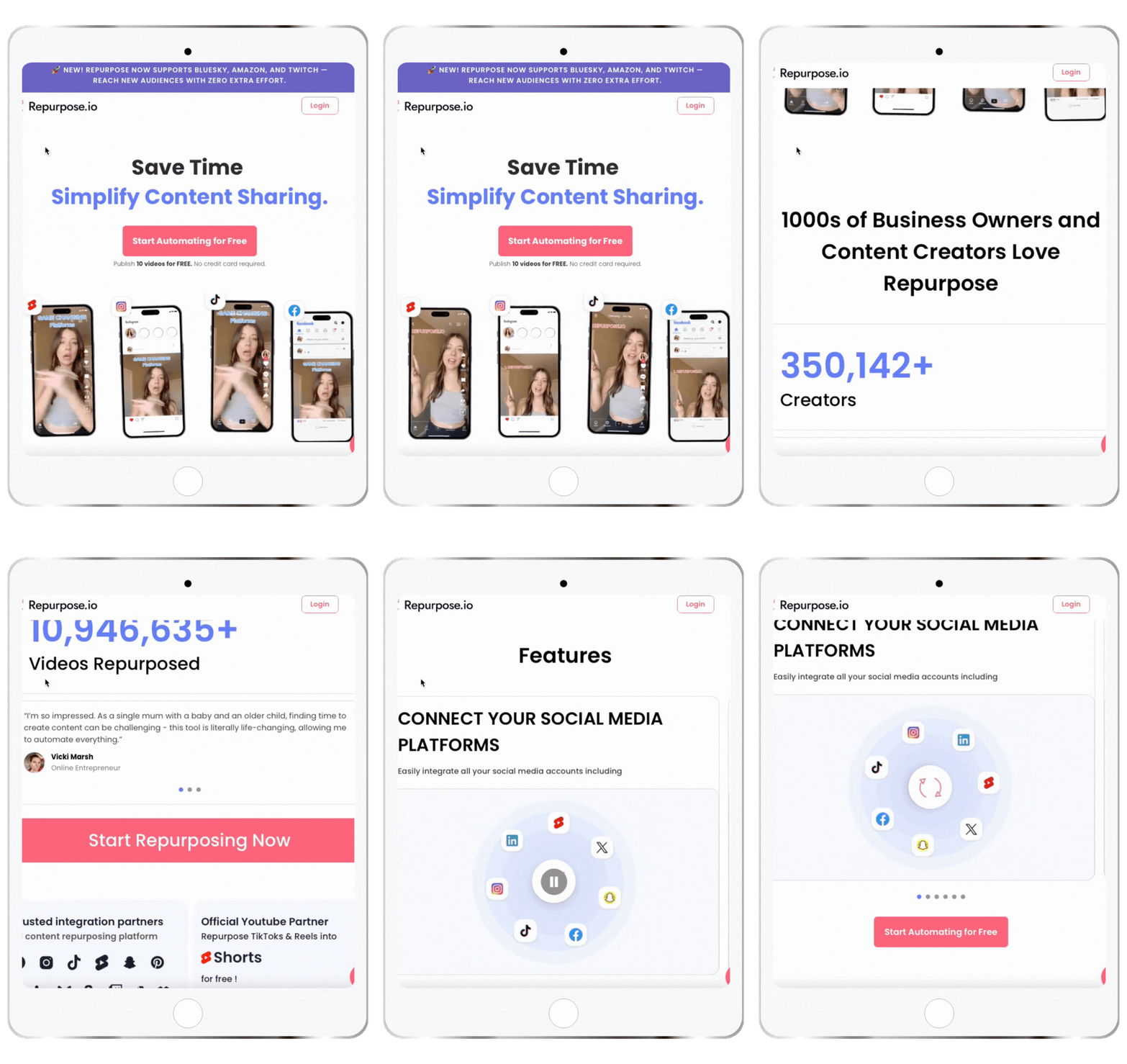
Unlock the full potential of your videos on social media with Repurpose.io
With just a few clicks, maximize engagement and captivate audiences everywhere. It's simple-to-use content automation software that helps you boost your online presence without requiring you to spend hours uploading your content to multiple platforms.
You can create 25 pieces of content from a single audio or video from your browser, then schedule them to go out to multiple platforms, including YouTube, Facebook, Twitter, LinkedIn, and others. No software to download!
Here's What Repurpose.io Can Do For You
- Automatically convert audio files into videos for quick consumption on social media.
- Create appealing headlines for your video captions to help them stand out in social media feeds.
- Create horizontal (widescreen), vertical, or square templates to ensure your videos look good on each social networking platform.
- Turn live streams and videos into audio podcasts to reach a new audience that prefers on-the-go consumption.
- Schedule videos to be uploaded natively on numerous social media platforms, so you won't have to do it daily.
It's well worth your time to try it for yourself. Try it out for FREE right now

Create Your Graphics With Canva
Canva is an easy-to-use design platform for creating professional graphics for your blog, website, and social media posts. It provides templates for business cards, posters, presentations, and more.
The drag-and-drop feature makes it easy to quickly customize text and images. With its vast library of images, fonts, and illustrations, you can easily create visuals to help your content stand out.
You can also use Canva to resize images for different platforms or create GIFs and animations. It's a great way to add flair to your content without spending too much time on design.

How do I do it?
I've created a folder with all of my templates. This helps me quickly locate the required template and create my graphics. The branding kit is set up with my color palette and fonts. I also have this set up in Adobe Illustrator, as I sometimes need to work with vector images.
- The blog post featured image also serves as a Bluesky and LinkedIn post.
- Pinterest Image and Video Pins double as Instagram/Facebook Stories.
- Instagram/Facebook Image for the feed doubles as a graphic on a blog post or email newsletter.
- Resized YouTube thumbnails and video templates can be used with Repurpose.io for Instagram/Facebook Reels, YouTube Shorts, and Pinterest Video Pins.
- Square video clips become GIFs.
- Repurpose.io will send my videos to their social homes.
…and that's just the start!
Save time and streamline your content production with these helpful tools. Repurpose makes it effortless to distribute your content across multiple platforms. Canva simplifies creating stunning visuals with minimal effort. Lumen5 elevates your blog content with a more visual approach, Descript cuts editing in half and Premiere Rush helps you quickly create explainer videos.
Tips for Creating Cohesive Content
There are a few things to keep in mind when creating cohesive content.
First, ensure your content is consistent and maintains the same tone. Different content pieces should share the same look and feel across visuals, fonts, logos, and colors. This will help you create a cohesive brand message that resonates with your audience.
It's also important to maintain a consistent voice and writing style. This will help you create consistent content that is true to your brand identity.
Finally, ensure all your content pieces are optimized for SEO (AEO and GEO). This will help them rank higher in search engine results and reach more people.
Content is Powerless Without a Strategy
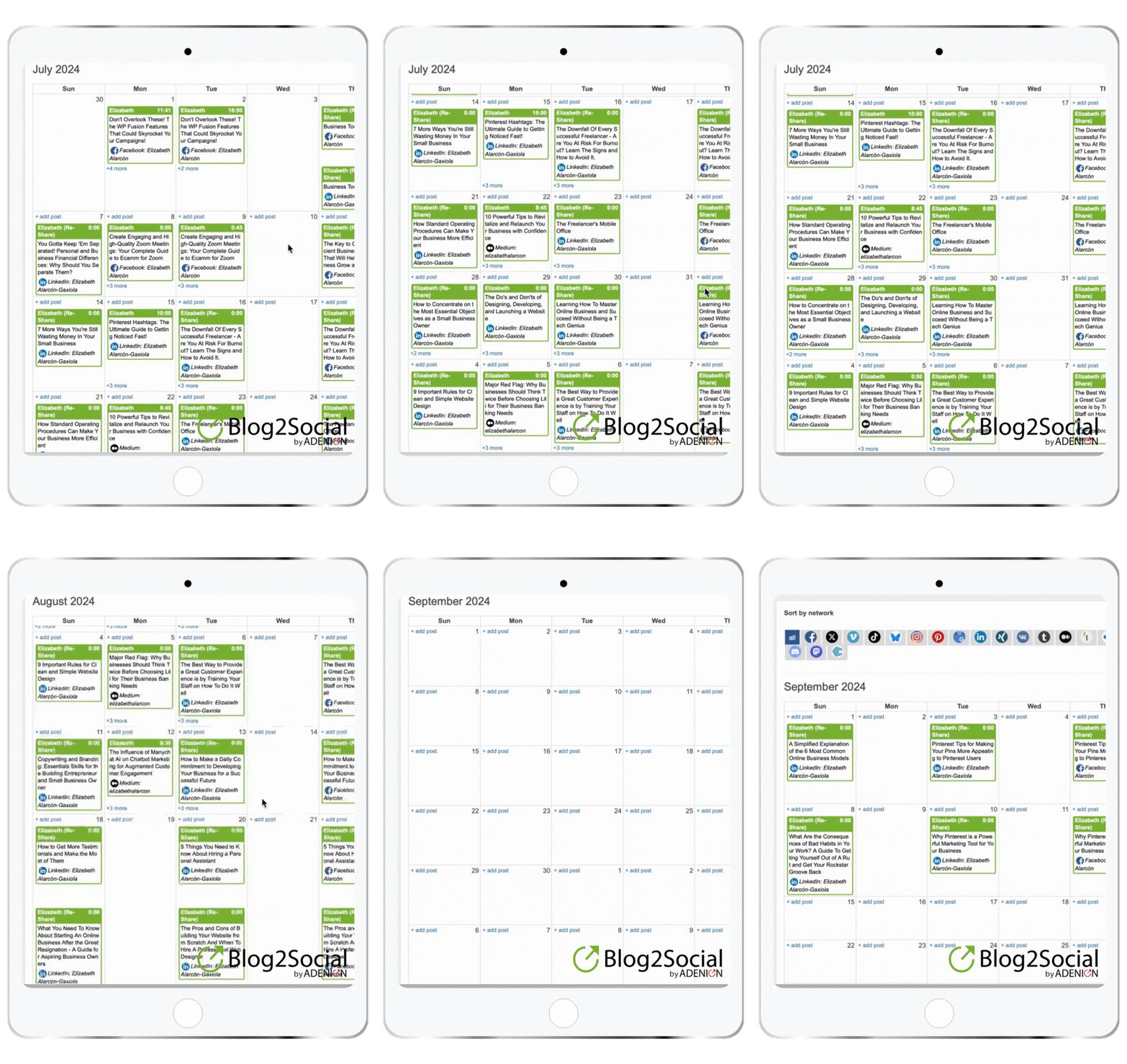
To simplify the process, plan. Maintain a content calendar to ensure you know what to do each week. This will help ensure that all deadlines are met and that your content is relevant and effective.
When executed correctly, a content strategy can provide several benefits for businesses. Perhaps the most obvious benefit is that it can help to drive traffic to your website. By creating high-quality, relevant content for your target audience, you can attract more visitors to your offer.
Another major benefit of a strong content strategy is that it can improve your SEO (AEO and GEO, too). By including keywords and other SEO factors in your content, you can make it easier for potential customers to find you online. Additionally, good content can help establish your brand as an authority in your field, leading to more sales and conversions.
Ultimately, a well-executed content strategy can benefit businesses of all sizes. If you want to improve your website's traffic, SEO, or brand reputation, then a content strategy may be just what you need.
Conclusion
To wrap it up, content repurposing is an effective way to streamline content creation while boosting traffic and social engagement. A well-executed content strategy is creative, organized, and highly cohesive, making it easier for readers to understand your message. With proper coordination between teams and cutting-edge tools, you can create a multi-channel marketing strategy with consistent messaging that builds loyal audiences over time. Are you ready to start content repurposing? What other tools are you using to repurpose content?
THIS SITE USES AFFILIATE LINKS. THERE’S NO EXTRA COST TO YOU, BUT I RECEIVE A SMALL COMMISSION WHEN YOU USE THEM.
PIN ME!





💁🏻♀️ Community Guidelines
To ensure a positive and respectful environment for everyone, please review our Community Guidelines. Following these guidelines helps us maintain a safe space for all.
🤖 TL;DR: Keep it cute or keep it on mute. 💅🏼