

Why You Should Plan for Next Year Right Now
I have never once regretted doing this early, and I have absolutely regretted doing it late. Every single time I've waited until January to figure out what the next twelve months are supposed to look like, I've spent the first six weeks of the year reacting instead of building. Q3 is when I plan for next year, while I've still got runway before the holidays eat my brain and everyone else's inbox turns into a dumpster fire of “New Year, New You.”
This is not about hustle. It's about not getting steamrolled by your own calendar in February.
You're sitting on a full year of data, a budget that needs a home, goals that deserve better than a hazy New Year's Eve wish, and a handful of tools that can carry some of this weight for you. Here's how I work through all of it.
Your Data Is Already Sitting There
You don't need to go collect anything. You already have it. Every campaign you ran, every post that flopped, every email that got a 40% open rate out of nowhere, it's all sitting in your analytics right now waiting for you to look at it.
Most people skip this step because it feels like homework. I get it. But this is the difference between guessing what worked and knowing what worked. Pull up your numbers and ask yourself the questions that matter: which campaigns brought in leads, not just likes? What content kept people reading past the first three lines? When did engagement quietly tank, and do you know why?
Block off a real chunk of time for this, not twenty rushed minutes between client calls. Treat it like a weekend ritual if that's what it takes. You're not just reviewing the past year; you're building the reference document that makes next year's decisions faster.
I do this every fall with my own numbers, and it never fails to surprise me. The post I assumed would be my best performer usually isn't. The one I almost didn't publish because I thought it was too niche is often the one that quietly pulled in the most engaged readers. That gap between what you assume worked and what the data says is the whole reason this step exists. Skip it, and you're just repeating your own guesses for another twelve months.
The SWOT piece is the one people rush through, and it's the one that earns its place here. Strengths and weaknesses force you to look honestly at your own operation, not your competitors'. Opportunities and threats push you to look outward, at what's shifting in your industry or your audience's behavior that you haven't accounted for yet. Do it with concrete specifics, not generic categories. “Strong email open rates” tells you something. “Good at marketing” tells you nothing.
What's a SWOT analysis? A quick honest audit of where you stand, broken into four buckets: Strengths (what's working), Weaknesses (what's not), Opportunities (what's shifting in your favor), and Threats (what could get in your way). Twenty real minutes on this beats an hour of unfocused brainstorming.
To Do: Dig Into the Numbers
- Open whatever you're using to track performance, Google Analytics, Meta Business Insights, Pinterest Analytics, all of it. Pull the raw numbers, not the vibes.
- Generate the reports and read them. Look for the pattern, not just the highlight.
- Put your best-performing content in a single spreadsheet, next to its numbers. You want to see it side by side, not scattered across five different dashboards.
- Run an honest SWOT analysis. Strengths, weaknesses, opportunities, threats. It's not busywork; it's the fastest way to see where you stand.
- Give this the time it deserves. A few honest hours here saves you months of flailing later.

Set Goals and KPIs That Actually Mean Something
Fuzzy goals don't move you anywhere. “Grow the business” isn't a goal; it's a feeling. Before you can build a workable plan, you need to know exactly what you're aiming at and how you'll know when you've hit it.
Start with what you actually want, not what you think you're supposed to want. More website traffic? More sales? A community that shows up? Get specific, then attach hard numbers to it.
The mistake I see most often is treating the goal and the KPI as the same thing. They're not. The goal is the destination: “Grow my email list to 5,000 engaged subscribers.” The KPIs are the instruments that tell you whether you're on course to get there: monthly signups, unsubscribe rate, and open rate on your welcome sequence. If you only track the goal itself, you won't know you're off track until you're already 12 months in and staring at a number that hasn't moved.
What's a KPI? Short for Key Performance Indicator, a KPI is a specific, trackable number that tells you whether you're moving toward a goal, not just hoping you are. If the goal is the destination, KPIs are the mile markers along the way.
Break it down by quarter, and the whole thing stops feeling abstract. A year-end goal is easy to ignore in the moment. A quarterly checkpoint is something you have to answer for.
Keep the number of goals honest, too. Three to five genuine goals you'll revisit beats a list of twelve that gets written once in September and never opened again.
Here's what that looks like laid out. Say the goal is 5,000 engaged email subscribers by next December. That number alone tells you nothing about whether you're on track in March. Break it into quarters: 1,200 by the end of Q1, 2,600 by Q2, 4,000 by Q3, 5,000 by Q4. Now attach the KPIs that predict whether you'll hit each checkpoint: monthly signups, unsubscribe rate, and welcome sequence open rate. If Q1 comes in at 800 instead of 1,200, you know in March, not in November, and you still have three quarters left to adjust the strategy rather than writing off the whole year.
To Do: Set the Targets
- Write down three to five goals that are specific, measurable, and genuinely yours. Not aspirational fluff, concrete targets.
- Attach two or three KPIs to each one. If your goal is 30% more website traffic, your KPIs might be monthly unique visitors, bounce rate, and average session duration.
- Break each goal into quarterly checkpoints. What has to happen in Q1 for the year-end number to be possible?
- Get tactical. What's the strategy behind each goal, social content, email sequences through ActiveCampaign, paid reach, and partnerships?
- Document all of it somewhere you'll revisit; Google Docs or ClickUp both work. The tool matters less than whether you'll open it again in March.
- If you work with anyone else, share it. Goals nobody else knows about are easy to quietly abandon.
Plan the Seasonal Campaigns Before the Season Shows Up
Seasons aren't background noise; they're opportunity. Whether it's holiday promotions, back-to-school pushes, or whatever moments matter for your audience, the businesses that plan those campaigns in advance are the ones that land them well. The ones scrambling in the moment are just reacting.
Each campaign is its own small story. A themed series of posts building toward a specific date does more than a single scattered announcement ever will.
The businesses that win the season aren't the ones with the biggest budget; they're the ones who weren't still writing captions the morning of. Mapping this out now means that when the date arrives, your only job is hitting publish. Everything else, the messaging, the visuals, the sequencing, already happened while you had the mental space to do it well, not in a panic.
Here's what that looks like in practice. Say back-to-school is one of your key dates. The theme isn't “sale”; it's fresh starts, getting organized, a reset before the fall rush. That theme becomes three posts building toward it: one about prepping systems for a busy season, one genuine use case or story, one direct piece that lands the week the season kicks off. By the time the date arrives, you're not scrambling for a caption. You're hitting publish on something you wrote weeks earlier with a clear head.
To Do: Map the Campaigns
- Brainstorm without editing yourself first. Get the wild ideas down before you start filtering for what's realistic.
- Build a seasonal calendar with the key dates that matter to your industry and your audience.
- For each date, figure out the theme. What's the emotional hook, not just the promotional one?
- Write the messaging for each campaign. What does it need to say to land?
- Plan the visuals. A mood board or a simple asset library keeps everything consistent later, when you're moving fast.
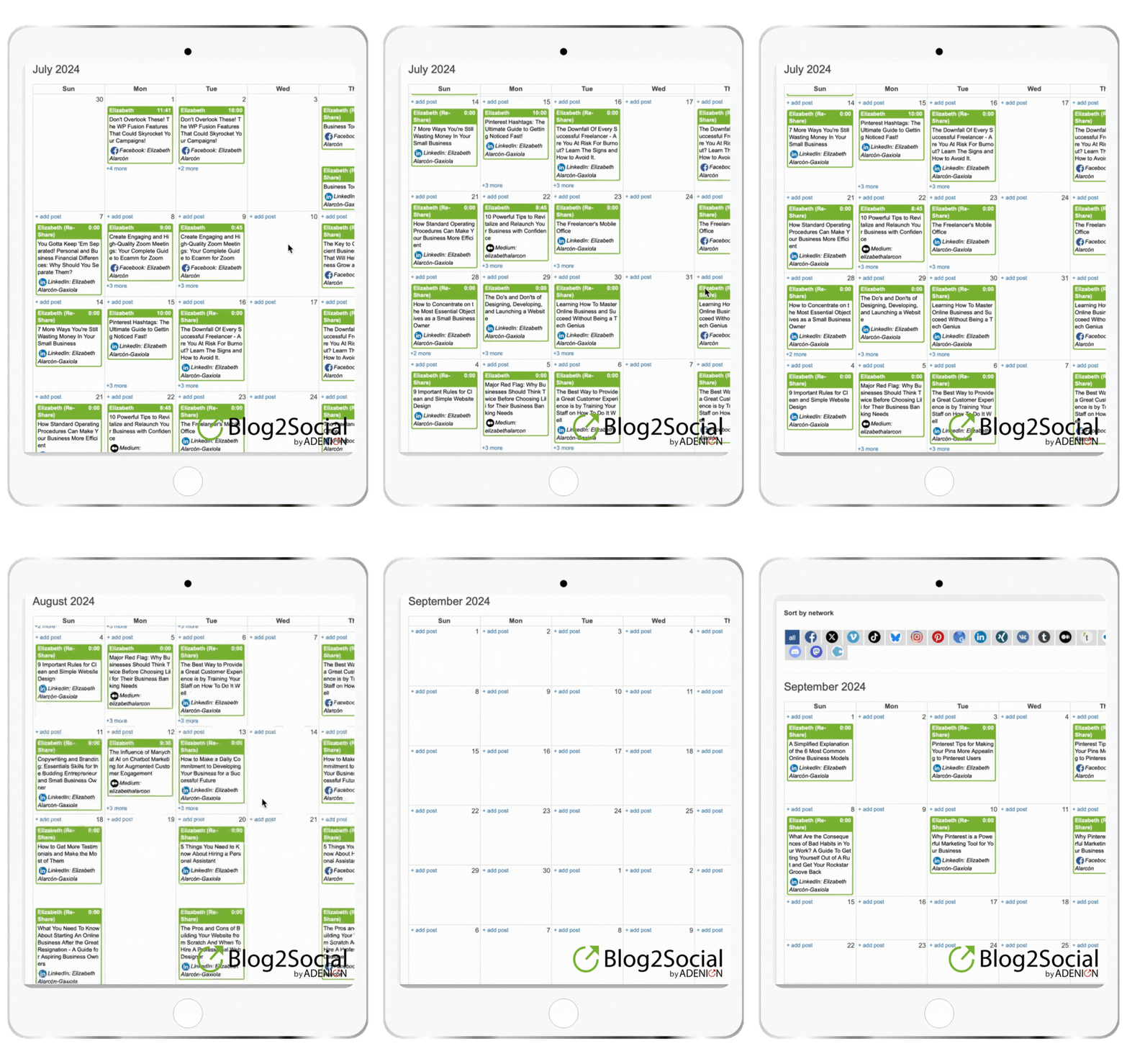
- Schedule the execution. Set your posts up once in a scheduling tool; I use Blog2Social, so they go out across platforms without you having to babysit the calendar every single day.
If the holiday shopping stretch, Black Friday, Small Business Saturday, Cyber Monday, is one of your key dates, I go deep on that specific window in Get Ready for Black Friday, Small Business Saturday, and Cyber Monday With This 3-Month Timeline, a full 90-day breakdown for that stretch alone.

Budget Season Is Not Optional
Here's the thing nobody wants to hear: even the goals and campaigns you just mapped out die fast without a budget behind them. Not because money is everything, but because clarity is. When you walk into your own budget conversation already knowing your numbers, you stop negotiating with yourself out of anxiety and start making decisions instead of guesses.
YNAB is what I use for this, and it earns the spot for one specific reason: it forces you to give every dollar a job before it shows up, not after you've already spent it wondering where it went. That's a completely different mindset than tracking spending after the fact, and it's exactly the discipline a marketing budget needs too.
You're not throwing money at things and hoping something sticks. You're deciding in advance what gets funded and what waits, which means by the time you're running a campaign, the money conversation is already settled. That's the whole point of a budget: you're planting where you expect growth rather than guessing blind, and leaving room for the stuff that surprises you.
Worth layering in: Profit First. Mike Michalowicz's method flips the usual formula. Instead of Sales minus Expenses equals Profit, it's Sales minus Profit equals Expenses. You take your profit first, as a fixed percentage of every deposit, and build your spending around whatever's left. Pairs well with YNAB's give-every-dollar-a-job approach, one decides what gets funded, the other makes sure you get paid before anyone else does.
This is also where many solo business owners quietly sabotage themselves. You either skip the budget entirely and spend all year reactively, or you build one so rigid it can't survive a single unexpected opportunity. Neither works. The budget needs to be specific enough to guide decisions and flexible enough to bend when something better than your plan shows up mid-year.
Here's the shape of it, not real numbers, just how it should look on paper instead of living in your head: a dollar amount next to the back-to-school campaign you just mapped out, another next to whatever tool or ad spend it needs, a separate line for the contingency fund. Three numbers you can see at once rather than one wishy-washy sense of “we have some room this quarter.”
To Do: Build the Budget
- Pull the goals and seasonal campaigns you just mapped out and put them in one list. This is the inventory of what needs funding, not a fresh brainstorm.
- Get specific about cost. What does each campaign require: tools, ad spend, and your own time?
- Draft the budget document. Estimated costs next to expected return, side by side, no hand-waving.
- Go back through it and prioritize. Which initiatives give you the most return for the least resource drain?
- If you have a team or a partner in this, bring them in. A second set of eyes catches what you'll miss on your own.
- Set aside a contingency fund. Something unexpected will come up. It always does. I've watched too many otherwise solid plans get derailed by a single expense nobody budgeted for, when a small buffer built in from the start would have absorbed it without touching anything else.
Track It, or You're Just Guessing
Goals set, campaigns mapped, budget drafted. A plan without a way to check on it is just a document you wrote once and forgot about. This is the part people skip, and it's the part that keeps you honest throughout the year.
Set up a rhythm for checking your numbers. Weekly is ideal; it catches a problem while it's still small. If that's not realistic, monthly is the floor, not the goal, and it's frequent enough that you're not obsessing over daily noise. The businesses that fall behind aren't usually the ones making bad decisions; they're the ones making good decisions six months too late because nobody was watching the numbers in between. A regular check-in isn't about perfection; it's about giving yourself enough runway to course-correct before a small dip becomes a bigger problem.
Two different questions matter here, and most people ask only one of them. The first is what's happening: is traffic up or down, is it converting, where is it coming from? The second is why, and that's the one people skip entirely, the one that tells you what to fix instead of just what's broken. I'll get into exactly what I use for this, along with the rest of what I check, in the tools section below.
To Do: Set Up the Check-Ins
- Put recurring time on your calendar to review performance. Not “when I get to it,” but a fixed recurring block.
- Check your traffic and conversion numbers first: is it up or down? Where's it coming from? What's converting versus what's just getting views?
- For anything underperforming, dig into the why. A heatmap or session recording will show you exactly where people lose interest.
- Go platform by platform for social, Facebook, Instagram, LinkedIn, wherever you're active, and look at what's genuinely resonating versus what you assumed would.
- After every campaign wraps, do an honest post-mortem. What worked, what didn't, what would you change?
- When something isn't working, pivot. Don't ride a dead campaign to the finish line out of stubbornness.
If a full dashboard feels like too much right now, a Google Sheet works just fine. The tool matters less than looking at the data on a schedule instead of never.
The Tools I Actually Use to Run This
I'm not going to hand you a stack of twelve tools you'll never open again. These are the ones that help me plan for next year and genuinely get used in my business, split into two jobs: running the plan and knowing whether it's working.
For Running the Plan
Before any of this hits a screen, most of it starts on a whiteboard or in a notepad. I was born somewhere between the analog world and the digital one, and that shows up in how I think. The messy version, the half-formed campaign idea, the goal I'm still arguing with myself about, gets worked out by hand first.
Only the final draft makes it into anything digital. If you're someone who thinks better with a pen than a keyboard, don't skip that step just because the rest of this is tool-heavy. The tools are where the plan gets executed. They're not where it gets born.
ClickUp
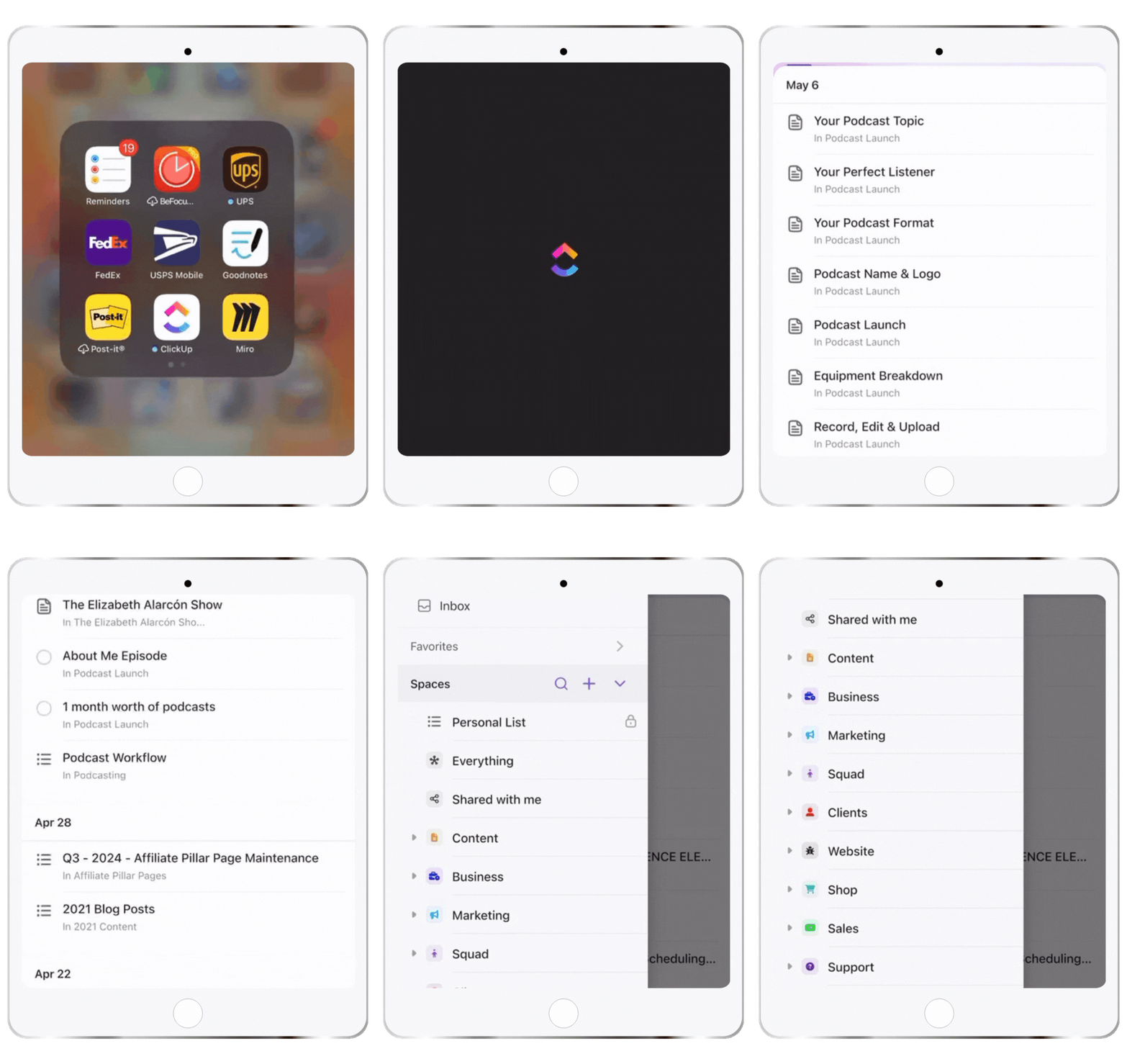
Where the whole plan lives once it's out of my head and off the whiteboard. Every campaign, every deadline, every piece of content gets a task with an owner and a date, even when the owner is just me. I use the Calendar view constantly; it's the fastest way to see the entire year at a glance rather than guessing what's coming up next week. If it's not in ClickUp, it's not happening. It has a genuine learning curve if you're coming from something simpler like Trello, but if you've already outgrown a basic to-do list, that curve is worth climbing once instead of switching tools three more times.
Blog2Social
What gets content out the door across platforms without me manually posting the same thing five different ways. I connect my accounts once, build the schedule around whatever campaign I'm running, and let it handle the distribution while I focus on the next thing. The best-time scheduling feature alone has saved me from the guessing game of when my audience is online on any given platform. For Pinterest specifically, I'll sometimes lean on Tailwind alongside it, since Pinterest's own rhythm is different enough from everything else that it's worth a dedicated tool.
Repurpose.io
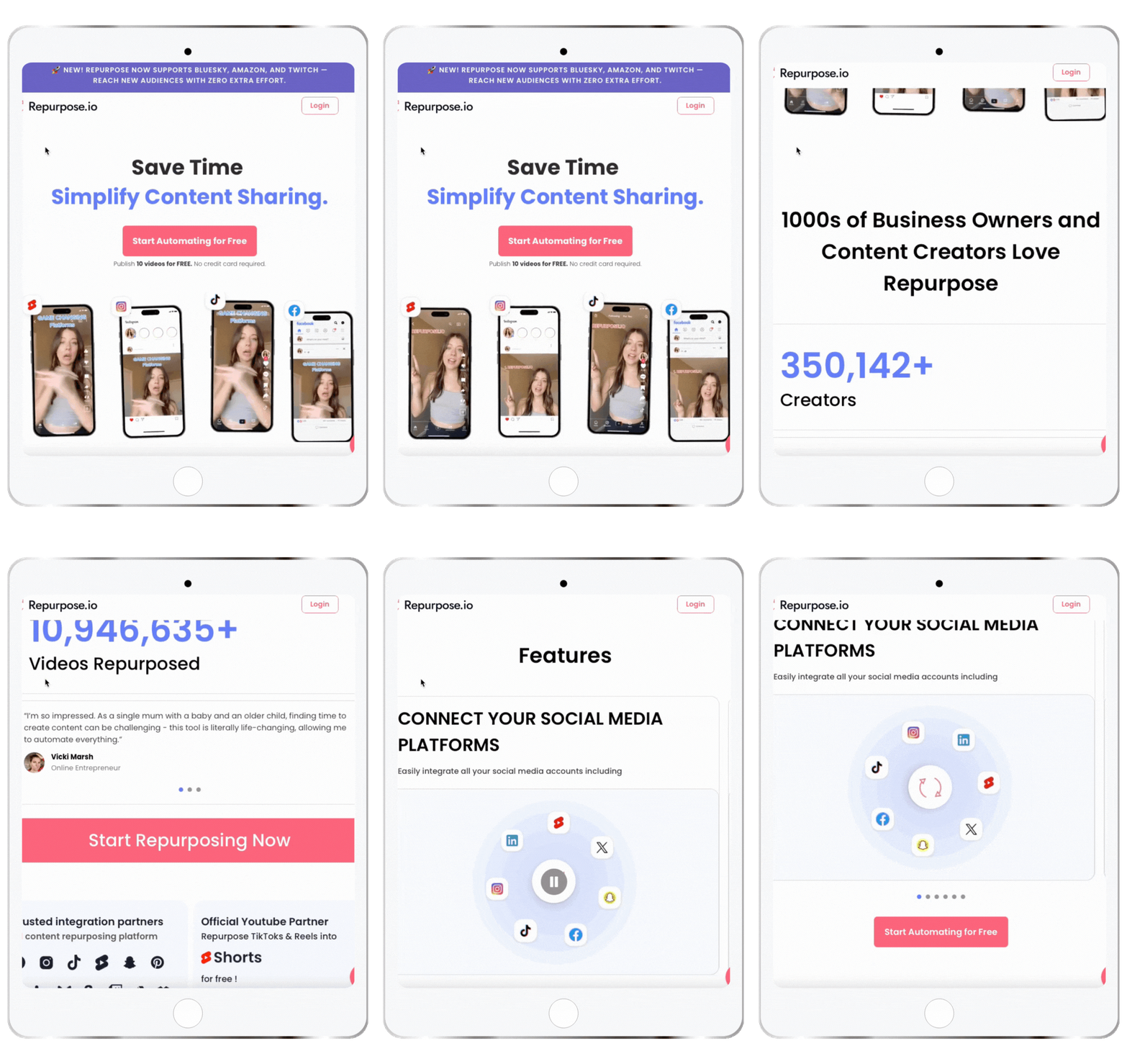
The one that makes a single piece of content work for its money. One video becomes a podcast clip, a blog excerpt, and a handful of social snippets, without me manually chopping it up five separate times. If you're already producing content, this is the tool that stretches it further rather than asking you to make more. The math is simple: either you spend hours every week manually repurposing, or you set the workflow up once and let it run.
None of these does the same job. That's on purpose. The whiteboard and notepad are where the thinking happens. ClickUp holds the plan once it's real. Blog2Social handles distribution, and Repurpose.io expands what you've already made. Layer them, and you've covered the whole cycle from first messy idea to delivery without adding headcount.
If you want the fuller rundown of what's in my everyday stack beyond just planning tools, I broke it all down in The Freelancer's Mobile Office.
For Tracking It
Google Analytics
Answers what's happening: is traffic up or down, is it converting, where is it coming from. It's the foundation, and it's non-negotiable. If you're not looking at it at least monthly, you're planning next year off a guess rather than a number. I check mine at the same time I do my monthly review, source by source, so I know which channels are pulling weight before I decide where next year's effort goes. It's free; it's already tracking your site whether you're looking at it or not, and ignoring it is the single easiest way to plan next year around a story you told yourself rather than what happened.
On WordPress? Site Kit is Google's own plugin for this. It pulls Analytics straight into your dashboard alongside Search Console and PageSpeed Insights, so you're not logging into a separate site just to check your numbers. I have it running on all of mine.
Hotjar
Answers why, and this is the one people skip entirely, even though it's the one that tells you what to fix. Heatmaps and session recordings show you exactly where people scroll, click, and bail on a page, which is the difference between “my conversion rate dropped” and “oh, everyone's abandoning halfway through the third paragraph because that's where the ask shows up too early.” Google Analytics tells you something broke. Hotjar shows you where, and more often than not, the fix turns out to be smaller than you assumed once you can see the behavior rather than guessing at it from a number.
ActiveCampaign
Covers the part the other two can't see: what happens after someone leaves your site and lands in their inbox instead. I'm constantly looking at these numbers: open rates, click-throughs, which automations are moving people, and which ones are quietly running on autopilot with nobody reading them. An email campaign that looks great on paper and gets ignored in every inbox isn't working, no matter how good the copy is, and you won't know the difference unless you're checking. This is the one that answers whether all the planning in this post is reaching anyone at all, or just collecting dust in someone's inbox.
Catchr
Pulls the fragmented stuff, your social platform insights, into one place rather than five separate tabs every time you want to check in. I built dashboards for each platform I care about, Facebook, ActiveCampaign, WooCommerce, Instagram, Pinterest, and LinkedIn, so a monthly review is one sitting instead of a scavenger hunt across apps. I wrote up exactly how I set mine up in my full breakdown of the tool if you want the specifics.
Same principle as the first group: each one is doing a different job. Google Analytics tells you what happened on the site, Hotjar tells you why, ActiveCampaign tells you what's happening in the inbox, and Catchr keeps all of it, including the social side, from getting lost in a pile of separate apps.
Conclusion
None of this has to feel like a burden. Planning for next year while you've still got Q3 in front of you means you walk into January already knowing where you're headed, not scrambling to figure it out while everyone else is doing the same thing at the same time.
Pull your data. Set goals that mean something. Map your seasonal campaigns. Build the budget around what you just planned. Track it regularly instead of writing it once and forgetting it exists. Pick tools that do genuine work instead of collecting dust.
You don't have to do this all in one sitting, and your to-do lists don't need to be miles long to count. Start with the one section above that you've been avoiding the most. That's usually the one that matters. Whenever you're ready to plan for next year, you'll already have the whole process laid out here.
THIS SITE USES AFFILIATE LINKS. THERE’S NO EXTRA COST TO YOU, BUT I RECEIVE A SMALL COMMISSION WHEN YOU USE THEM.
Why You Should Plan for Next Year Right Now FAQ
-
When should I start planning for next year?
Q3 is the sweet spot for planning next year. You still have enough of the current year's data to work with, and enough runway before the holidays to build something rather than react to January.
-
What if I don't have a big team to help me plan?
You don't need one. Everything in this process works solo; I run my own business this exact way. The SWOT analysis, the budget draft, the goal setting, all of it scales down fine to one person.
-
Do I need every tool mentioned here to make this work?
No, and it's worth knowing which of these lets you start for free before you commit to anything. ClickUp, Google Analytics, Blog2Social, and Hotjar all have genuine free tiers you can run on indefinitely, no credit card, no countdown clock.
ActiveCampaign, Repurpose.io, YNAB, and Catchr don't work that way; they're free-trial-only, so budget for them once you're ready to commit rather than expecting to run them for free in the long term.
-
How often should I check my analytics once the plan is in motion?
Weekly is ideal; it's frequent enough to catch a problem while it's still small and easy to fix. But if weekly isn't realistic, monthly is the floor, not the goal. Go longer than that, and you're not tracking anymore; you're just hoping.
-
What if my budget doesn't match what I want to do next year?
Prioritize. Not every idea needs to happen in year one. Rank your campaigns by expected return, fund the top of the list first, then revisit the rest once you have room.
PIN ME!




💁🏻♀️ Community Guidelines
To ensure a positive and respectful environment for everyone, please review our Community Guidelines. Following these guidelines helps us maintain a safe space for all.
🤖 TL;DR: Keep it cute or keep it on mute. 💅🏼